Clear All in one click
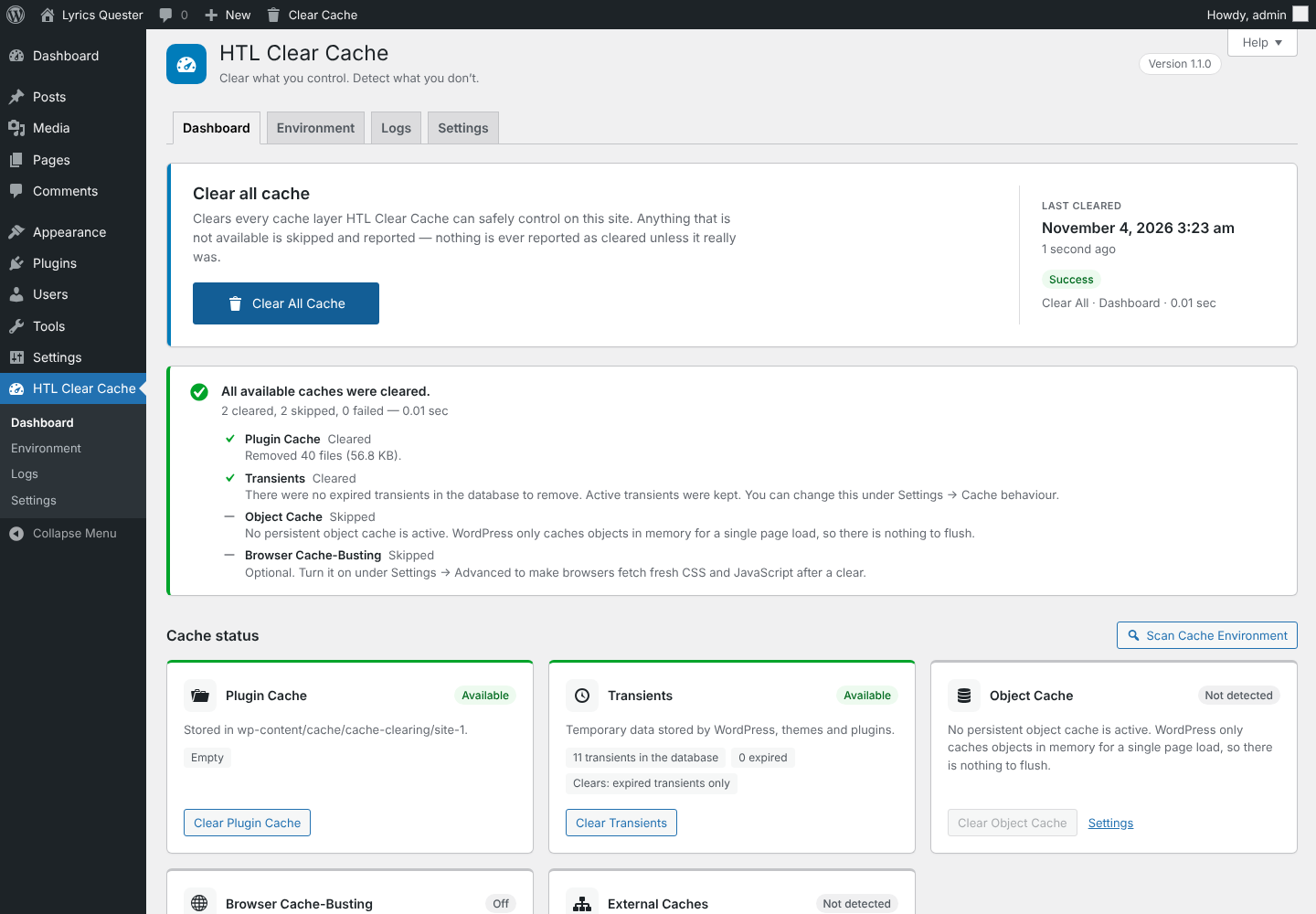
Every available cache cleared at once, with a plain summary of what was cleared, skipped or failed.

Faster site. Better experience. Clear your WordPress cache in one click — the whole site, a single page or on a schedule — and see exactly what was cleared.
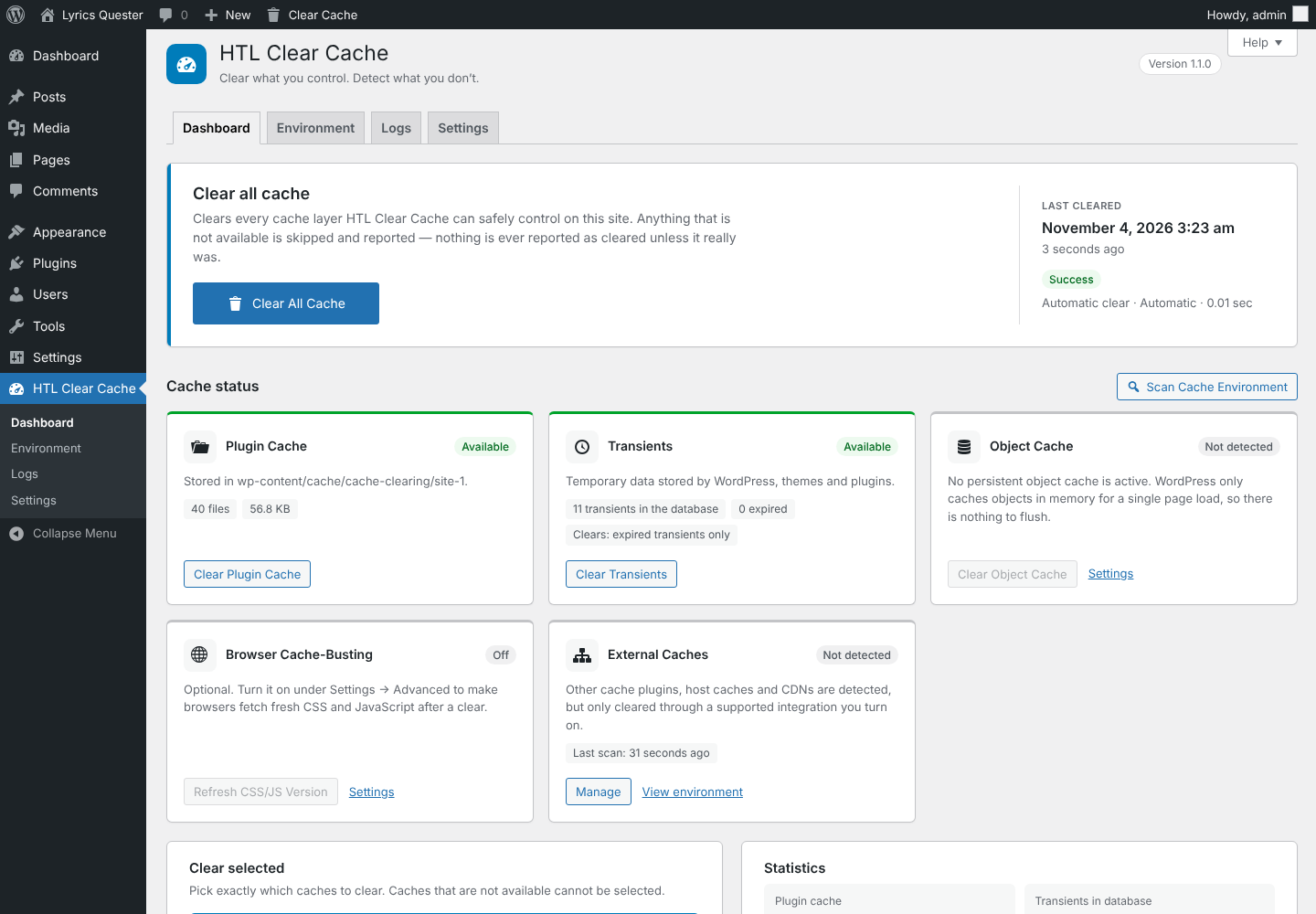
Clear what you control, detect what you don’t, and always know exactly what happened.
Every available cache cleared at once, with a plain summary of what was cleared, skipped or failed.
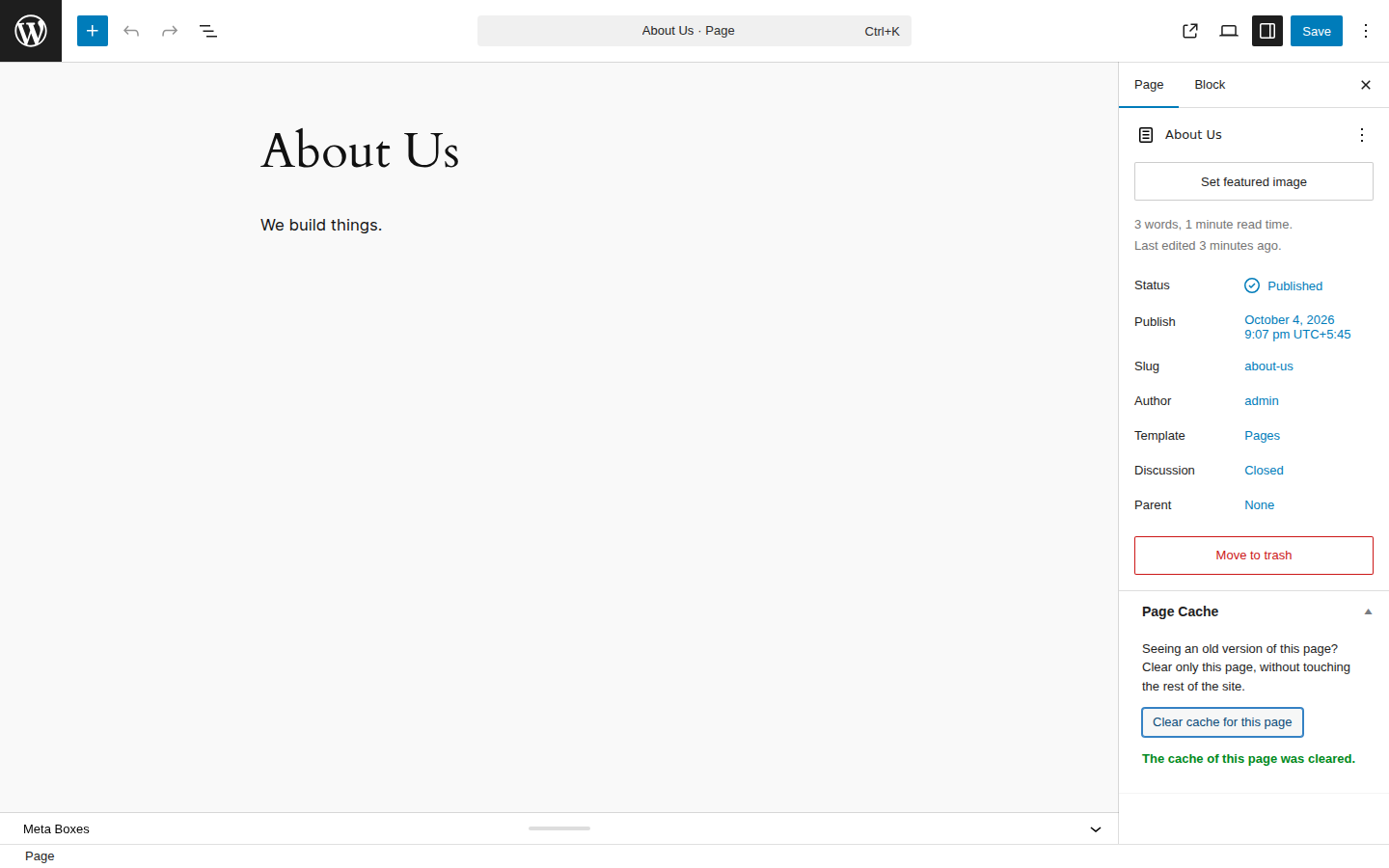
From the Posts and Pages lists, the edit screen or “Clear This Page” in the Admin Bar. The rest of the site stays cached.
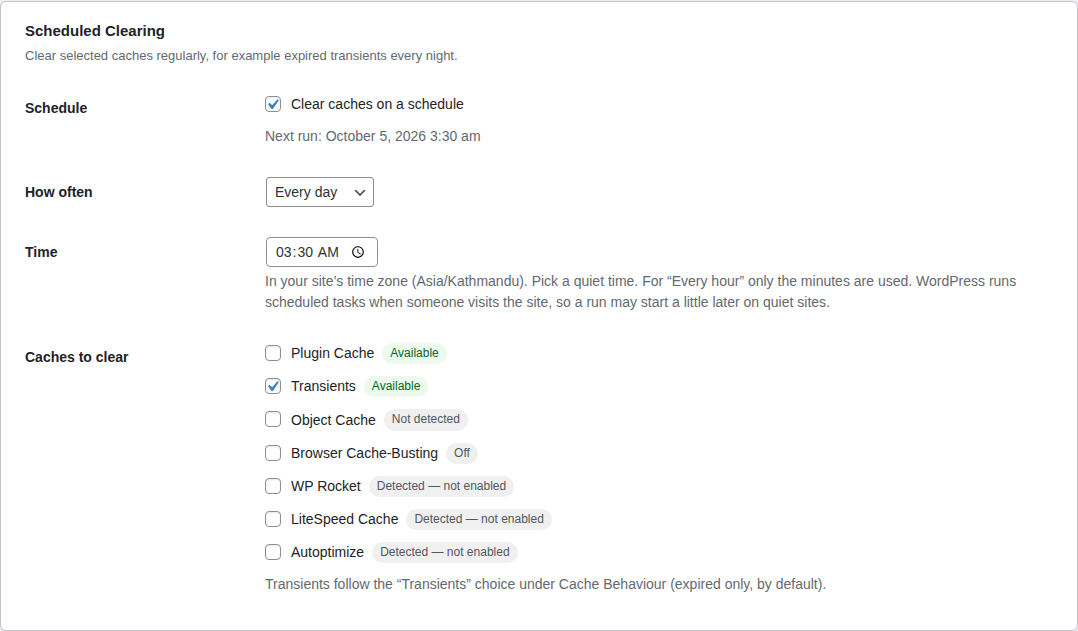
Hourly, twice a day, daily or weekly at a time you choose, for example expired transients every night.
After publishing, updates, theme switches, Customizer and settings changes. Every trigger can be turned on or off.
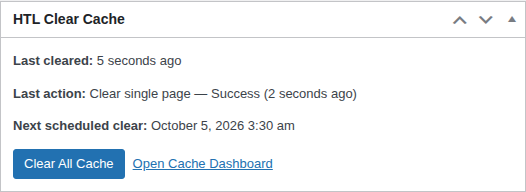
Last clear, its result, the next scheduled clear and a Clear All button on the WordPress Dashboard.
Clear everything, one cache or the current page without leaving it, on the dashboard and the front end.
Detects object caches, page-cache drop-ins, cache plugins, hosting caches, OPcache and CDNs.
Every clear with time, source, result and duration, plus sizes and counters per cache.
Each site has its own settings, log and cache. Nothing affects other sites without network-admin permission.

A small add-on to the free plugin for sites that use Cloudflare or simply want every page fast, all the time.
Clear Cloudflare together with WordPress: everything with Clear All, or only one page. Set up in 3 guided steps, Zone ID found automatically.
Update a post and only that post, its home, category, tag, author and feed pages are cleared. The rest of your site stays fast.
After a clear, your important pages are loaded again in the background, so even the first visitor gets a fast page.
An email when clearing fails, for example when a Cloudflare token stops working. At most one email per problem every 6 hours.
All plans include every Pro feature, automatic updates and priority support for one year.
1 website
$29.99/ year
5 websites
$59.99/ year
Unlimited websites
$129.99/ year
| Feature | Free | Pro |
|---|---|---|
| Clear All, single caches, Clear Selected | Included | Included |
| Clear a single page or post | Included | Included |
| Automatic and scheduled clearing | Included | Included |
| 10 cache plugin integrations | Included | Included |
| Dashboard widget, Admin Bar menu, activity log | Included | Included |
| Cloudflare purge (whole site and single page) | Not included | Included |
| Smart clearing of only the affected pages | Not included | Included |
| Cache warm-up after clearing | Not included | Included |
| Email alerts when clearing fails | Not included | Included |
| Automatic Pro updates and priority support | Not included | Included |
Off by default. Turn on only what you use — the plugin then asks that cache plugin to purge itself through its own public API.
No. HTL Clear All Cache works on its own. If you use WP Rocket, LiteSpeed Cache or another supported plugin, you can turn on its integration and clear it from the same place.
Every cache that is available and safe: the plugin cache, transients (expired only by default), the persistent object cache when there is one, browser cache-busting when enabled, and the integrations you turned on. Anything unavailable is listed as skipped, with the reason.
Yes, in the free version. Use “Clear cache” in the Pages or Posts list, the Page Cache box on the edit screen, or “Clear This Page” in the Admin Bar. Connected cache plugins purge only that page.
With Pro, yes: the whole Cloudflare cache with Clear All, only one page with a single-page clear, and only the affected pages automatically with smart clearing. Pro uses a Cloudflare API token with limited permissions, never your global key.
Pro keeps working. Only new versions and support stop until you renew.
Yes. If Pro is not right for you, ask for a refund within 14 days of your purchase.
No website can delete files in a visitor’s browser. Turn on Browser Cache-Busting instead: it changes the version of your CSS and JavaScript addresses so browsers download fresh copies.
Deleting the plugin removes only its own data: settings, log, statistics, its scheduled event and its own cache folder. Nothing else on your site is touched. Deactivating keeps your settings.
Start with the free plugin today. Add Pro whenever you need Cloudflare, smart clearing and warm-up.